Analog sticks
Aim for notes and chords
Use directional movement to navigate musical choices instead of hunting across piano keys.
A controller instrument for PC players
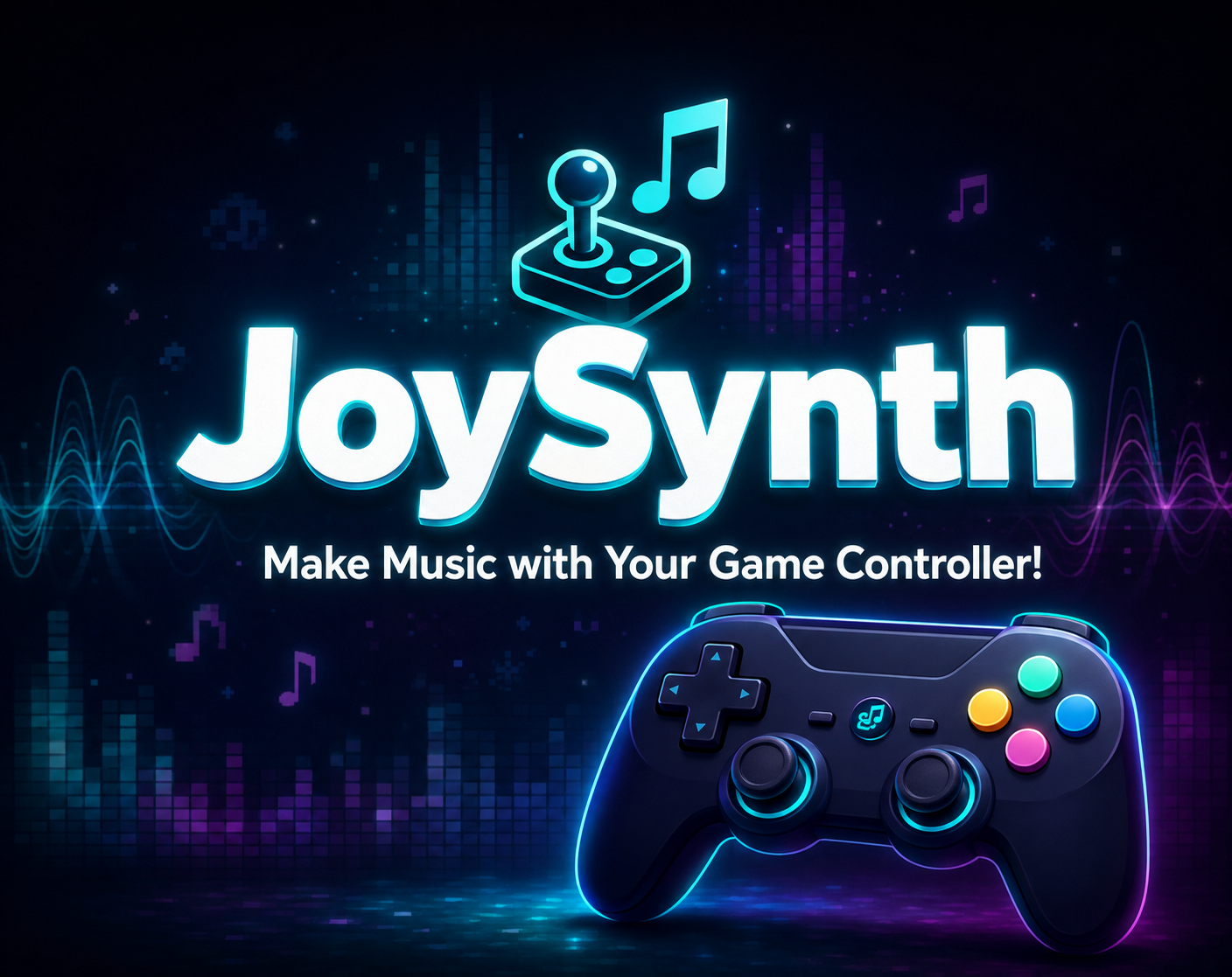
JoySynth makes a gamepad feel like a complete performance rig. Guide melodies with the sticks, launch sounds from the buttons, shift octaves with the triggers, layer a loop, and keep playing until you have a finished track.
From prototype to release
The development playlist traces the unusual ideas, play tests, audio problems, and control improvements behind JoySynth. Watch a gamepad gradually become a practical music-making device.
View the full dev log on YouTubeOne controller, a lot of sound
This walkthrough shows how the instruments, beats, loops, microphone processing, and recorder fit together without breaking the flow of play.
Controls that already make sense
Traditional music programs often start with a piano keyboard and a wall of studio controls. JoySynth starts with movement, buttons, triggers, and combinations that feel familiar to anyone who spends time with games.
Analog sticks
Use directional movement to navigate musical choices instead of hunting across piano keys.
Triggers
Pressure-sensitive octave movement adds range while keeping your hands in a normal playing position.
Face buttons
Tap rhythms, punctuate a loop, or call up sounds with quick, deliberate button presses.
Shoulder controls
Combine controls to reach musical layers while sustained notes keep sounding smoothly.
Microphone
Perform through robot, alien, megaphone, telephone, echo, distortion, and other creative effects.
Looper
Lay down a foundation, overdub new parts, undo a layer, and keep the arrangement moving.
Easy to enter
You do not need to approach JoySynth like studio software. Pick a sound, move a stick, press a button, and listen. That immediate feedback makes it useful for sketching ideas, improvising, and discovering combinations by feel.
Room to go deeper
Remap buttons, bring in custom samples, route external audio, use optional MIDI mixer controls, and capture the stereo result. The same playful interface can support a much more involved performance.
Player questions
Not exactly. There is no fixed note chart or score to chase. JoySynth gives you the responsive feeling of a game controller, but you choose what to perform and create.
No. The controller-first approach is designed to be inviting for gamers and beginners, while offering enough depth for musicians who want a different performance interface.
You need a Windows computer and a compatible game controller. A microphone is optional and only needed when you want to use the voice-processing effects.
Yes. JoySynth can record the combined stereo performance so you can share it, edit it elsewhere, or keep it as a finished music experiment.
Ready player one
Download JoySynth for Windows from itch.io and turn familiar gamepad movements into your next melody, beat, loop, or performance.
Download JoySynth